Contact Us

Introduction:

Creating a website is a major accomplishment, and it’s exciting to see your vision come to life online. But as any seasoned web developer or business owner will tell you, launching a website is just the beginning. The real challenge is ensuring that your site performs well, attracts visitors, and converts them into customers.

Unfortunately, many website owners make a few common mistakes during development that can seriously hurt their site’s effectiveness and growth. Whether you're building your website yourself or working with a team, these pitfalls are easy to overlook but can have long-lasting negative effects.

In this blog, we’ll cover 11 of the most common website development mistakes and offer practical solutions to avoid them. From slow load times to poor navigation and security issues, we’ve got you covered with tips to optimize your site for both users and search engines.

Ready to make your website work for you? Let’s dive in.

The truth is, even the most carefully built websites can fall prey to common development mistakes that harm user experience, SEO rankings, and overall performance. In fact, these small errors are often the culprits behind a website that fails to convert visitors into customers.

In this blog, we’ll uncover the top 11 website development mistakes to avoid and share practical tips to fix them. Whether you’re just getting started with web development or working on optimizing your existing site, this guide will help ensure your website is a powerful tool for driving traffic, engagement, and conversions.

1. Ignoring Mobile Optimization

Imagine trying to shop online on a website that’s not optimized for mobile—frustrating, right? In today’s world, mobile optimization is a must. With over half of all internet traffic coming from mobile devices, if your site isn’t mobile-friendly, you're missing out on a huge chunk of potential customers.

I once helped a local restaurant fix their website’s mobile design, and the difference was night and day. Not only did mobile traffic increase, but online reservations surged as well. By ensuring your site adjusts seamlessly to all screen sizes, you’re providing a better experience for your visitors, which is also something Google rewards with higher search rankings.

Key Takeaways:

  • Ensure your website is responsive and adapts to different devices.
  • Test across multiple devices (smartphones, tablets, desktops) to make sure it looks and functions well.
  • Google prioritizes mobile-optimized sites—improve your SEO by focusing on mobile-first design.

2. Overcomplicating Navigation

Your website’s navigation should be your visitors’ guide, but when it’s cluttered or hard to follow, users may quickly abandon ship. Think of your site’s navigation like a road map: if it’s unclear or full of dead-ends, you’ll lose visitors.

I worked with a client who had a beautiful e-commerce site, but the navigation was overly complicated. After simplifying their menu and focusing on the most important categories, the bounce rate dropped, and customers spent more time browsing their products.

Key Takeaways:

  • Keep your navigation simple and organized, with clear categories.
  • Limit the number of menu items to avoid overwhelming visitors.
  • Make sure the navigation structure is intuitive so users can find what they need quickly.

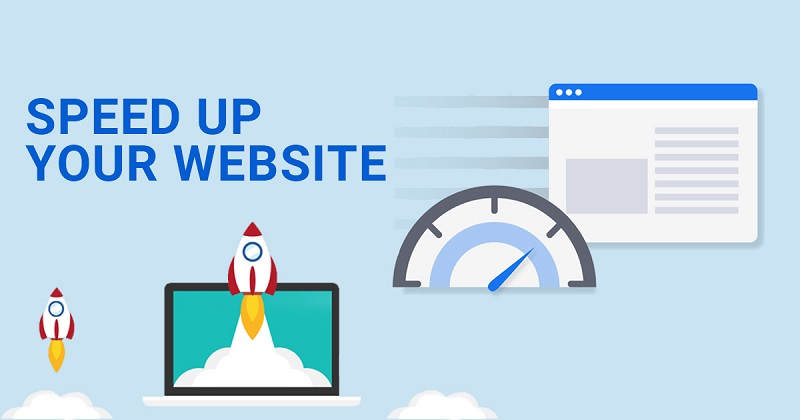
3. Slow Loading Speeds

In today’s fast-paced digital world, speed matters. Studies show that nearly 40% of users will abandon a website if it takes more than three seconds to load. Slow load times negatively affect user experience and can also hurt your site’s SEO rankings.

For an online retail client, we optimized images, streamlined code, and upgraded their hosting to significantly improve their load speed. The result? Not only did user engagement increase, but their rankings improved, and sales surged.

Key Takeaways:

  • Compress images and optimize your code to improve speed.
  • Use tools like Google PageSpeed Insights to identify areas for improvement.
  • Invest in a quality hosting provider for better performance.

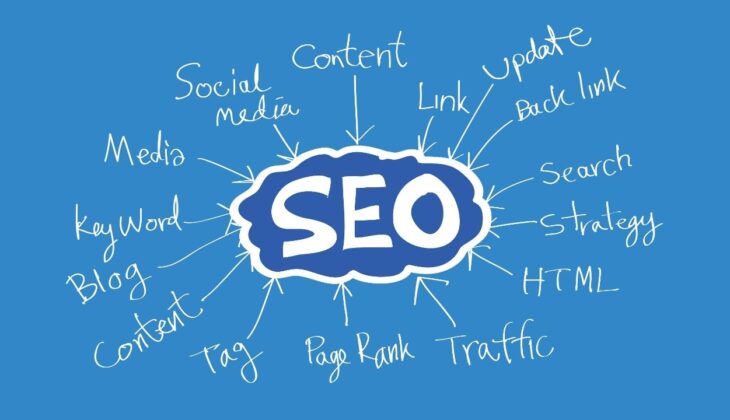
4. Forgetting SEO Basics

What good is a stunning website if no one can find it? SEO (Search Engine Optimization) is what makes your site visible on search engines like Google. Without proper SEO, your site will remain buried in search results, no matter how beautiful it is.

I once worked with a client who had great products but was barely getting any organic traffic. After optimizing their title tags, headers, and adding relevant keywords to their content, they saw a huge improvement in search rankings and a significant boost in site visits.

Key Takeaways:

  • Use relevant keywords in your title tags, meta descriptions, and headers.
  • Optimize content for search engines by focusing on user intent and keyword-rich copy.
  • Regularly update your content to ensure it stays fresh and SEO-friendly.

5. Overloading with Content and Features

It’s easy to get carried away when adding features and content to your site, but too much can overwhelm visitors. A cluttered website makes it harder for users to focus on what’s important, and they may leave before taking any action.

I once worked with a client who added every feature under the sun—live chat, pop-up ads, endless product lists—and it left users feeling overwhelmed. After we streamlined the design and reduced distractions, engagement and conversion rates improved dramatically.

Key Takeaways:

  • Prioritize key features and content that add value to users.
  • Focus on a clean design and intuitive layout that guides users to take action.
  • Avoid overwhelming visitors with too many pop-ups, animations, or content blocks.

6. Poor Website Security

Website security is non-negotiable. Not only does poor security expose your business to cyber threats, but it can also damage your reputation and affect your SEO. Google gives a ranking boost to sites with HTTPS encryption, so it’s important to protect your site and your visitors’ data.

One of my e-commerce clients faced a security breach because their website didn’t have an SSL certificate. After we added SSL and implemented better security measures, not only did customer trust improve, but their Google rankings increased as well.

Key Takeaways:

  • Install an SSL certificate to ensure secure data transfer.
  • Protect your website with firewalls and strong security protocols.
  • Regularly update software and plugins to safeguard against vulnerabilities.

7. Not Integrating Analytics

Without the right analytics, you’re flying blind. Analytics provide valuable insights into how users are interacting with your site, where they’re coming from, and where they’re dropping off. Without this data, you can't make informed decisions to optimize your website.

For a software company, I set up Google Analytics, which allowed them to track user behavior, identify high-exit pages, and improve conversion rates by tweaking their content strategy. Analytics are invaluable for tracking progress and refining your web strategy.

Key Takeaways:

  • Set up Google Analytics or another tracking tool to gather data on user behavior.
  • Monitor key metrics like bounce rate, average session duration, and conversions.
  • Use insights from analytics to improve content, layout, and user experience.

8. Lack of Clear Calls to Action (CTAs)

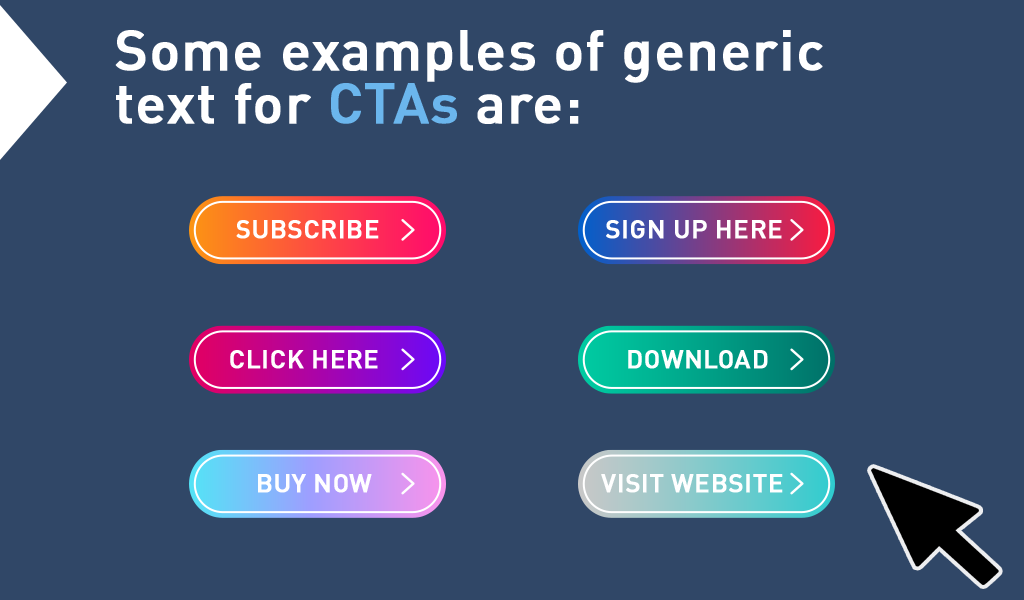
Your website’s CTAs are the driving force behind conversions. Without clear, compelling CTAs, visitors won’t know what to do next. Whether it’s buying a product, signing up for a newsletter, or requesting a consultation, your CTAs should be easy to spot and action-oriented.

For one client in the education sector, their website was informative, but the CTAs were buried at the bottom of lengthy pages. By placing bold CTAs like “Start Your Free Trial” in prominent locations, their sign-up rate grew significantly.

Key Takeaways:

  • Make sure your CTAs are clear, visible, and compelling.
  • Use action-oriented language, like “Sign Up Today” or “Get Started.”
  • Place CTAs strategically throughout your site to encourage conversions.

9. Failing to Use Proper On-Page SEO

On-page SEO is the foundation of your website’s search visibility. Proper use of title tags, headers, URLs, and internal linking can significantly improve your site’s chances of ranking higher on search engines. Without this optimization, your site may never reach its full potential.

For an online retailer, I optimized their product pages by using keyword-rich titles, header tags, and clean URLs. The result was better search visibility, which directly led to increased organic traffic.

Key Takeaways:

  • Optimize your title tags, meta descriptions, and header tags.
  • Create clean URLs that reflect the content of the page.
  • Use internal linking to guide users and search engines to important pages.

10. Not Prioritizing User Experience (UX)

A beautiful website design is only effective if it’s easy to use. UX design is about ensuring your site is user-friendly, accessible, and enjoyable to navigate. If your site is hard to use or visually overwhelming, visitors won’t stick around.

A client of mine in the health and wellness industry had a site that was difficult to navigate, which caused visitors to bounce. After simplifying the navigation and optimizing for mobile, their engagement rates and time spent on site improved significantly.

Key Takeaways:

  • Focus on making your site easy to navigate and visually appealing.
  • Optimize for both desktop and mobile users to improve accessibility.
  • Regularly test your site’s usability with real users to identify pain points.

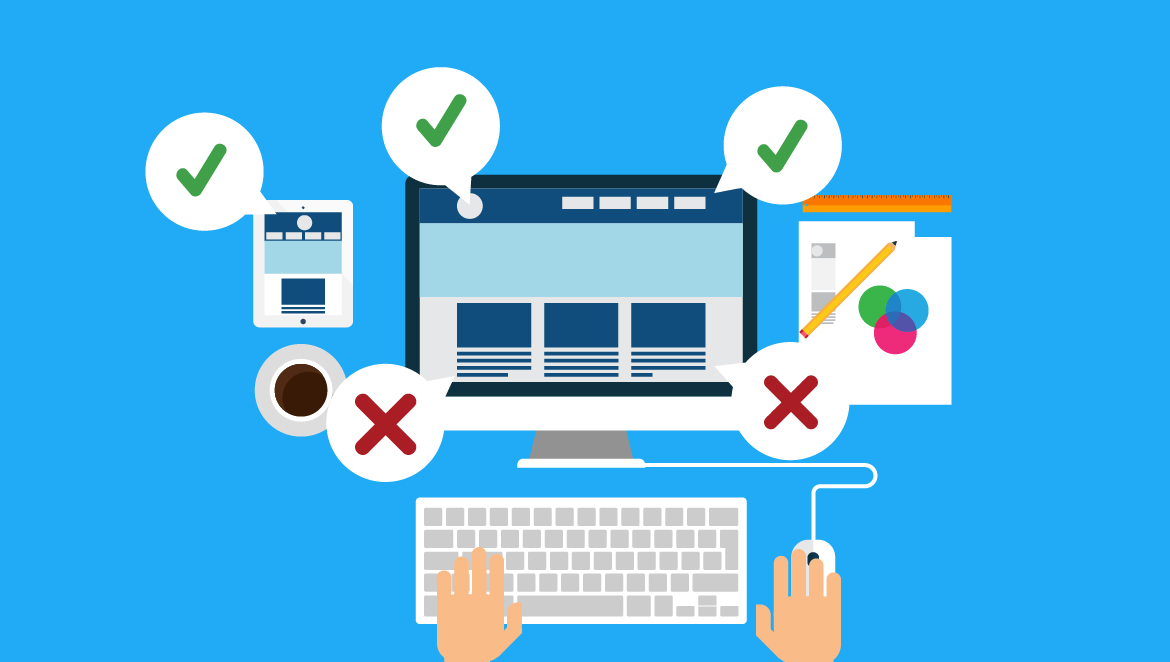
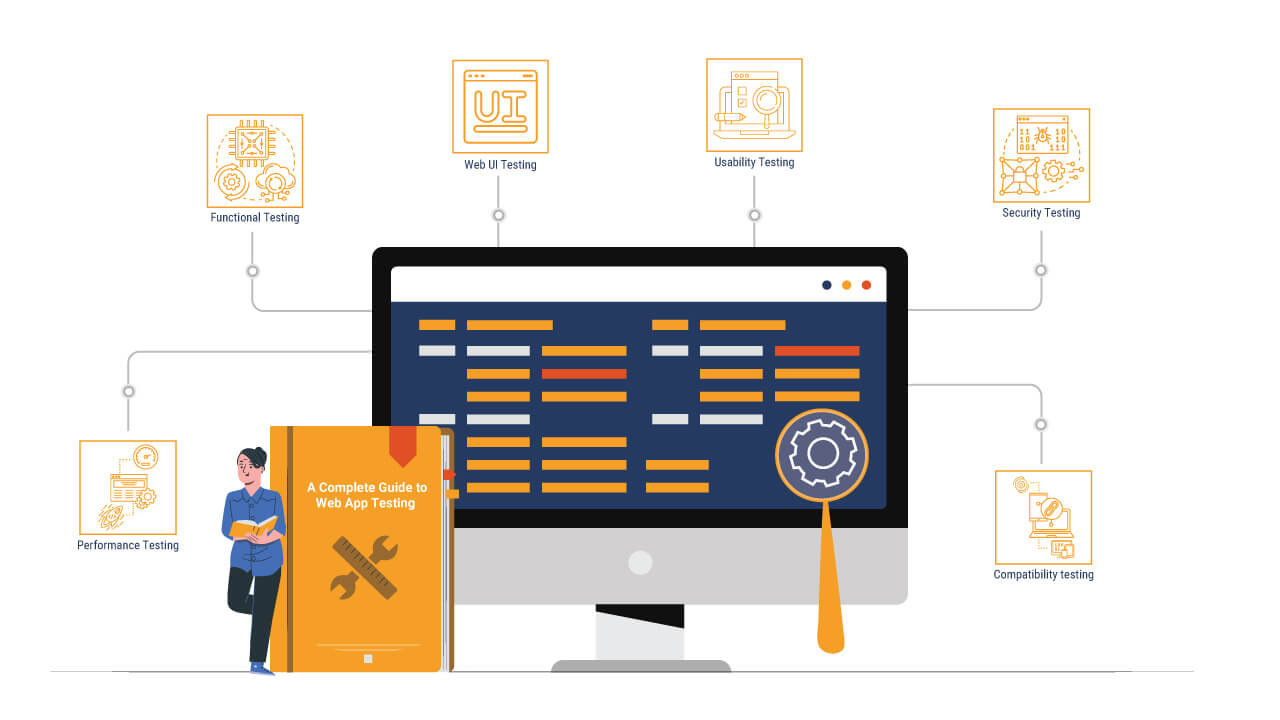
11. Skipping Website Testing Before Launch

Launching a website without proper testing is like opening a store without checking if the doors work. You want to ensure that everything from functionality to design is working smoothly before your audience sees it.

I worked with an e-commerce store once that didn’t test their checkout process thoroughly before launch. After the site went live, they realized there were issues with mobile checkouts, which were causing abandoned carts. After fixing these issues, sales increased significantly.

Key Takeaways:

  • Test your website on multiple devices, browsers, and screen sizes before launching.
  • Check for broken links, image loading issues, and bugs.
  • Conduct user testing to ensure everything works smoothly for your visitors.

Conclusion:

Your website is the digital face of your business, and making sure it works flawlessly is key to attracting and converting visitors. By avoiding these 11 common website development mistakes, you can create a website that not only looks great but also performs well in terms of user experience, SEO, and conversions.

Now that you know what to look for, take a moment to audit your website. Where can you make improvements? Start making changes today, and watch your website—and your business—thrive.

Take Action Now:
Don’t let these mistakes hold your website back. Start by addressing one area—whether it's optimizing for mobile or improving your SEO—and see how small changes can lead to big results.

Need Professional Help: 

Contact Site Magnetics and get your website Up and Running with desired result.